Genova
Manage Attachment
Creating and Managing Attachments in Genova
This guide provides a step-by-step process for creating and managing attachments within the Genova system. Each step includes a screenshot to visually guide you through the process, ensuring a smooth and efficient workflow. Follow these instructions carefully to avoid errors.
Start url: http://localhost/vanguard-genova/cia/admin
Tab Name: Manage Attachment - GENOVA INSURANCE
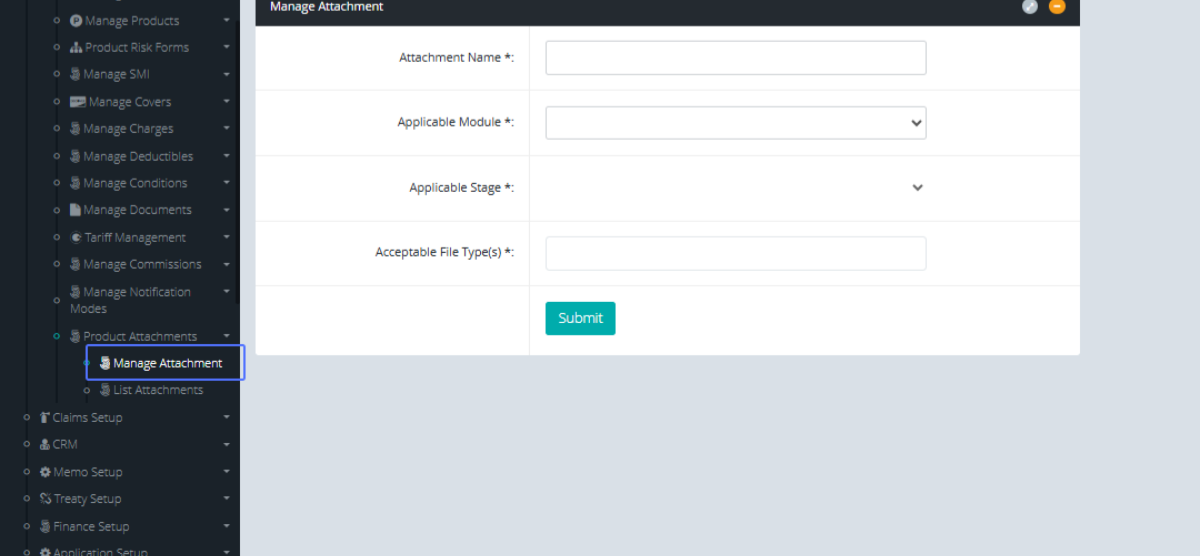
Click on the link "Manage Attachment" button within the dropdown
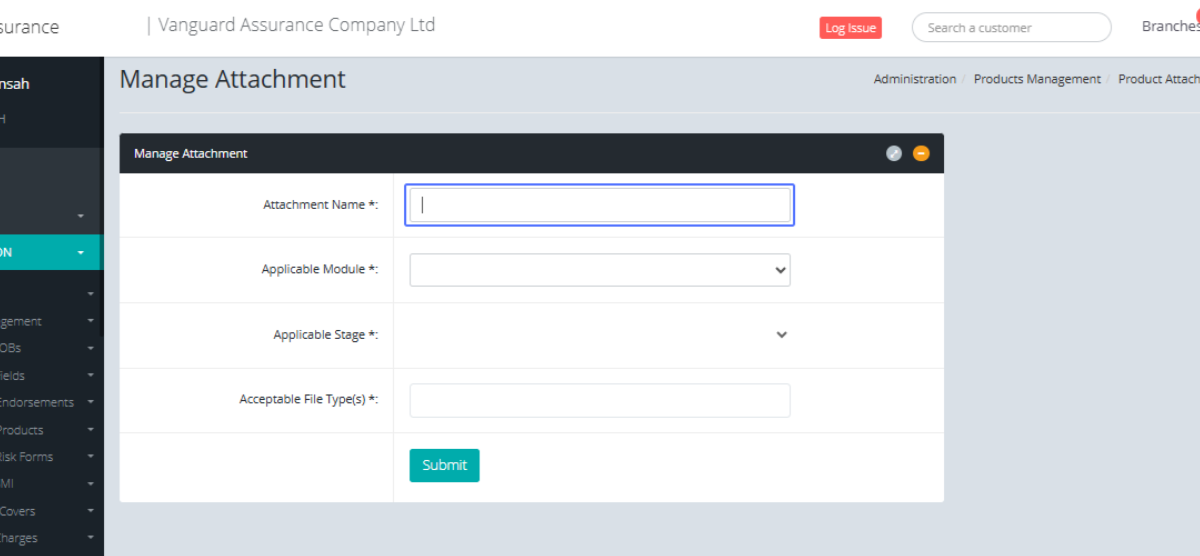
Enter the Attachment name within the input field
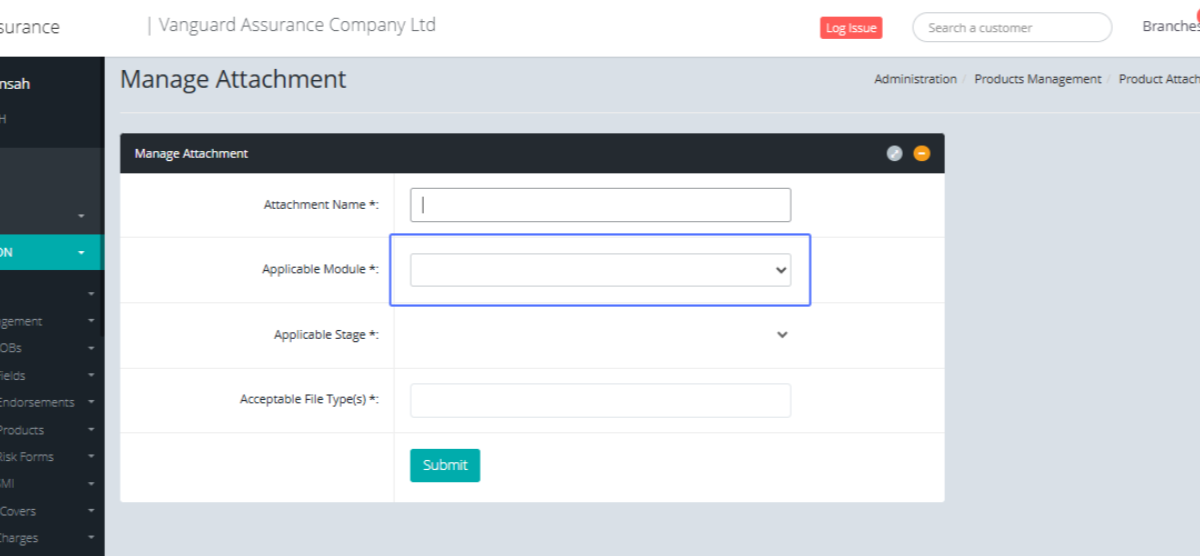
Select the Applicable Module from the dropdown
Select the Applicable Stage from the provided dropdown.
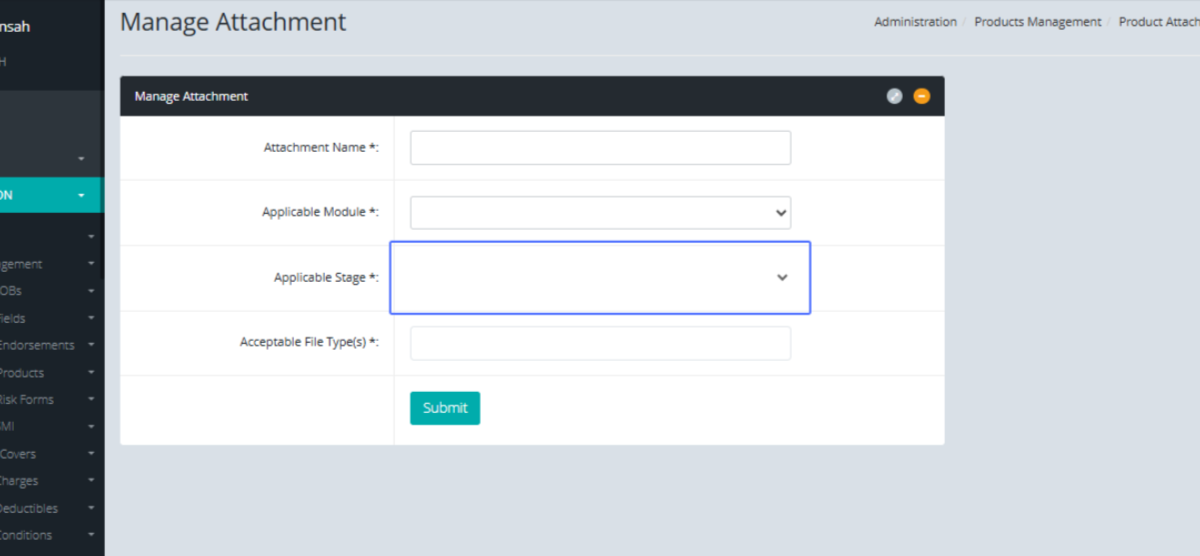
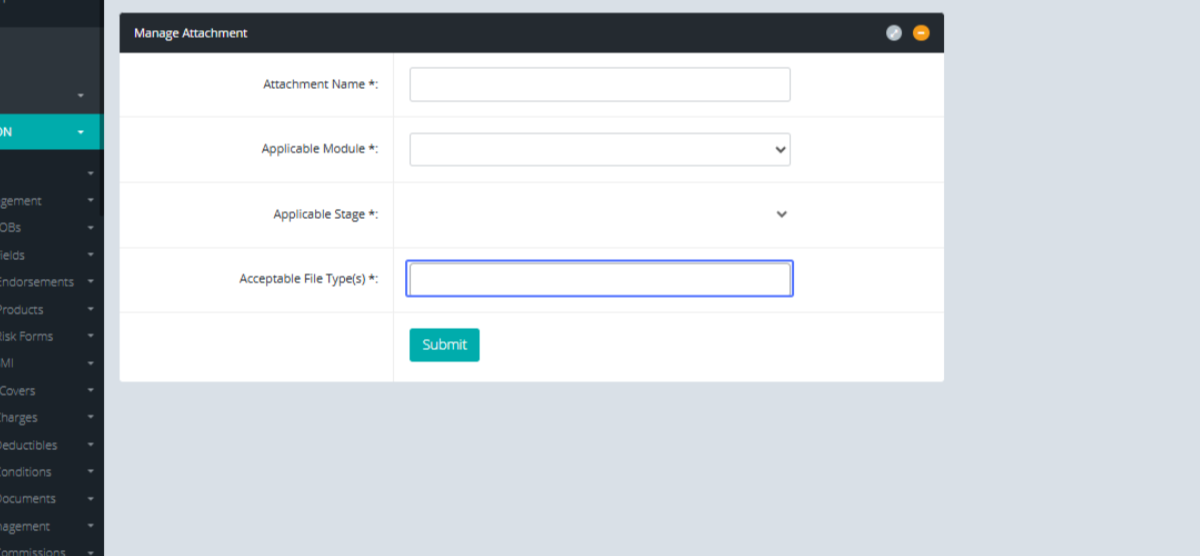
Select the Acceptable file types from the list
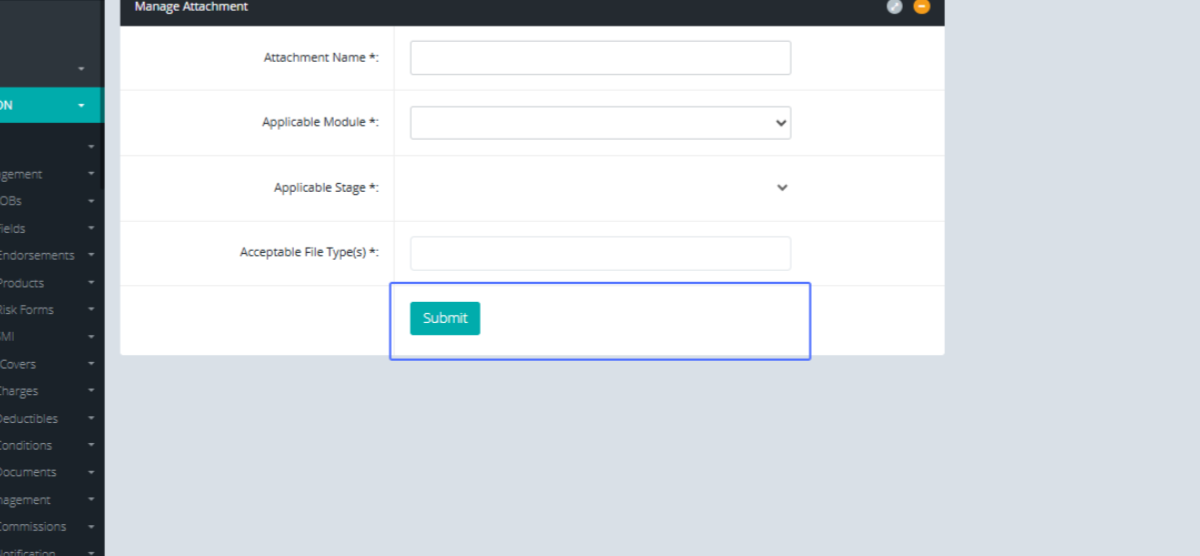
Click on the "Submit" button to save the Attachment
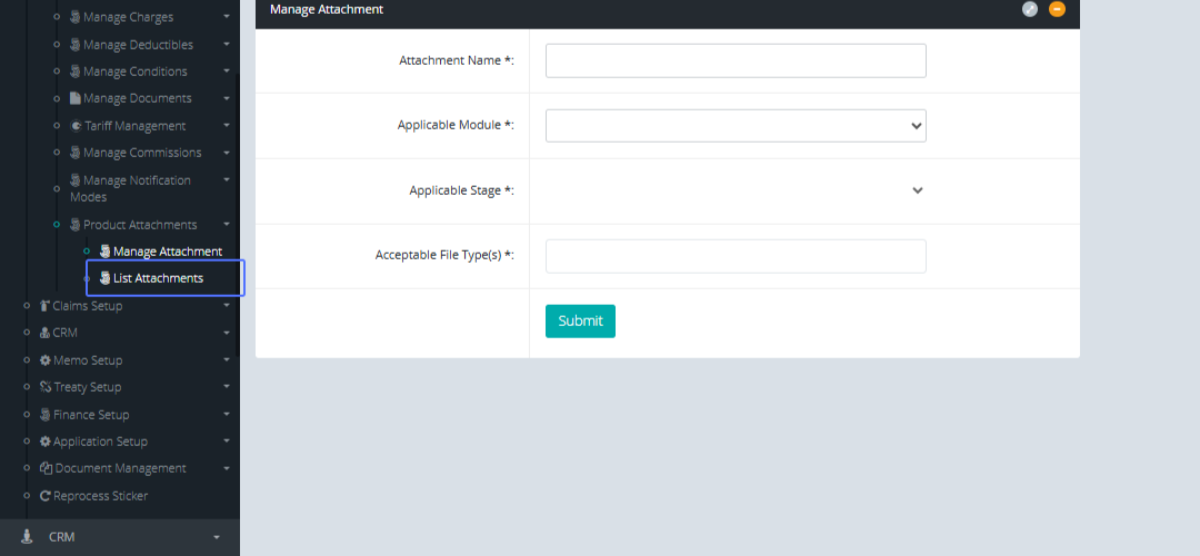
Click on the link "List Attachments" Button to show the Various Attachments
Tab Name: List Attachments - GENOVA INSURANCE
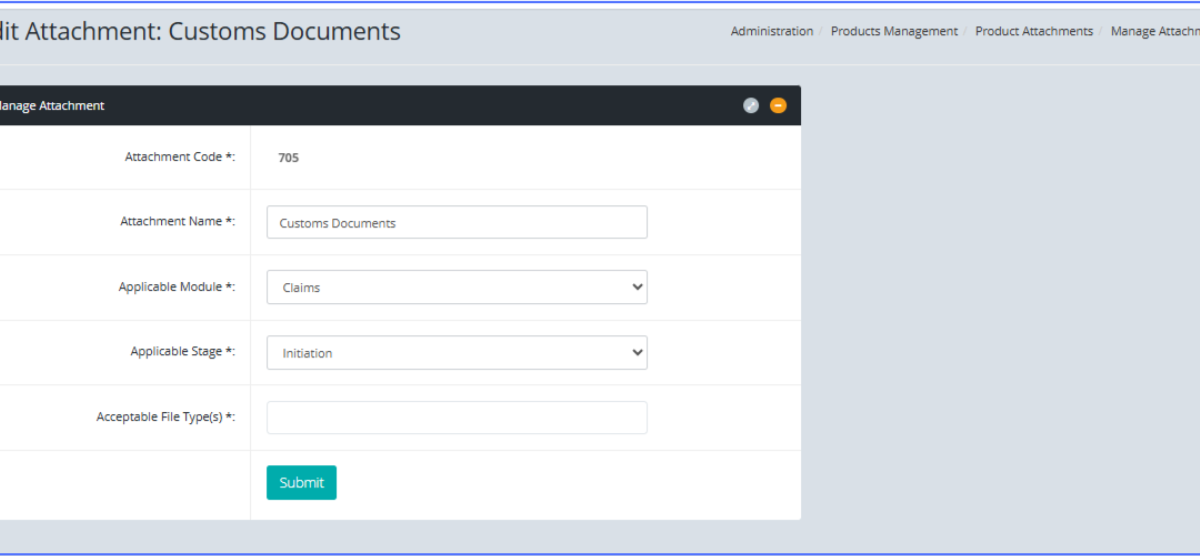
On the List attachment page, click on the Edit button to edit an attachment.
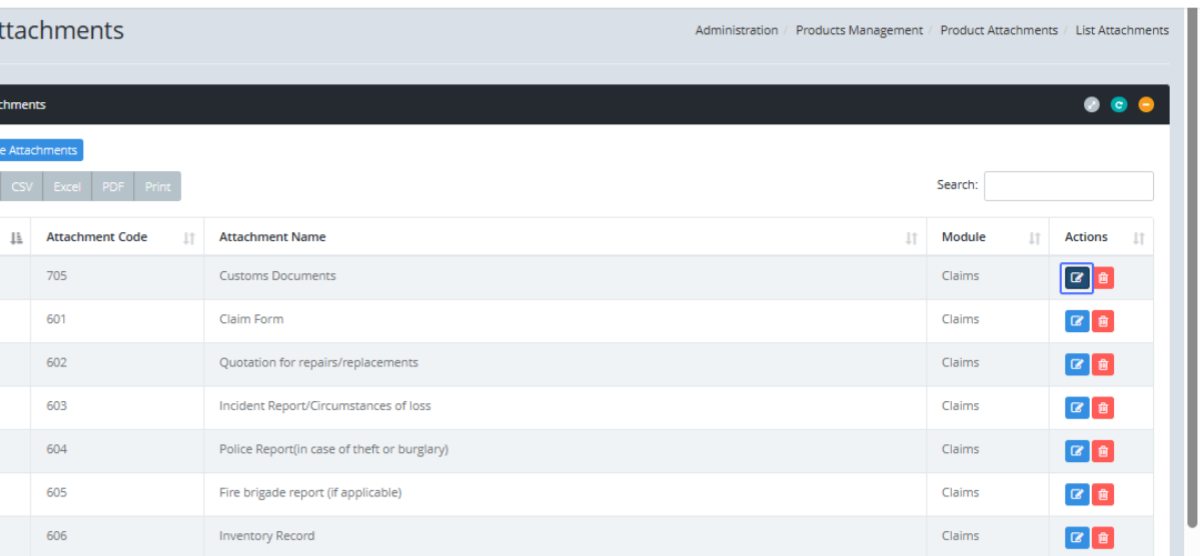
Tab Name: Manage Attachment - GENOVA INSURANCE
You will be navigated to a page that shows the existing attachment, you can make changes within the existing attachments here.